


Tips for Creating a Productive Home Workspace to Improve Focus and Comfort
Creating a home workspace that promotes productivity and comfort is essential for anyone working or studying from home. A well-designed environment can help improve focus, reduce distractions, and enhance overall wellbeing. Whether you have a dedicated room or just a corner of your home, these tips will assist you in setting up an effective workspace tailored to your needs.
Why a Good Home Workspace Matters
Working at home offers flexibility, but it can also come with challenges such as distractions and blurred boundaries between work and personal life. A thoughtfully arranged workspace signals to your brain that it’s time to focus, helping you establish a routine and separate work tasks from relaxation.
Choosing the Right Location
Find a Quiet Spot
Select a space away from noisy areas like the kitchen or lounge where family members frequently gather. This reduces interruptions and helps maintain concentration.
Consider Natural Light
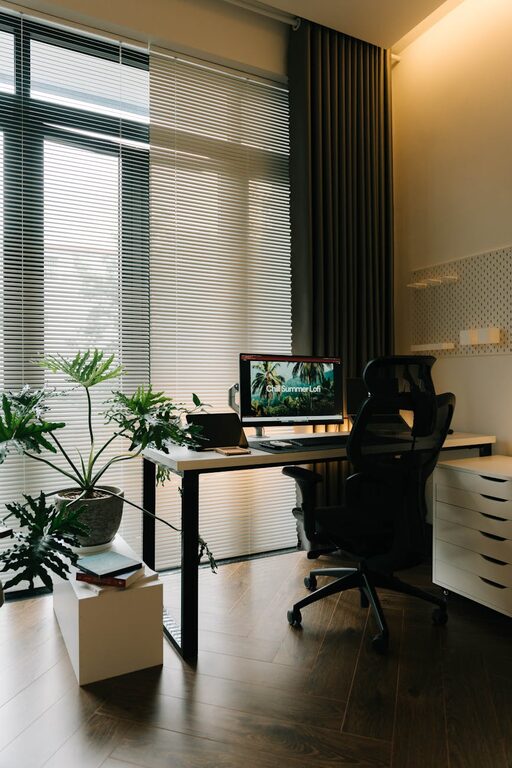
Position your desk near a window if possible. Natural light boosts mood and energy levels, making you feel more alert during work hours.
Evaluate Space Functionality
Make sure your workspace can accommodate all your work essentials comfortably. It should have enough room for your computer, documents, and any other tools you use regularly.
Invest in Ergonomic Furniture
Choose a Supportive Chair
An adjustable chair with good lumbar support helps prevent back pain, a common complaint during long work sessions.
Use a Suitable Desk
The desk height should allow your arms to rest comfortably at a 90-degree angle when typing. If space is limited, a small desk with storage options can keep clutter hidden.
Consider Accessories
Ergonomic accessories such as a footrest, wrist supports, or a monitor stand can improve posture and reduce strain.
Organise Your Workspace
Declutter Regularly
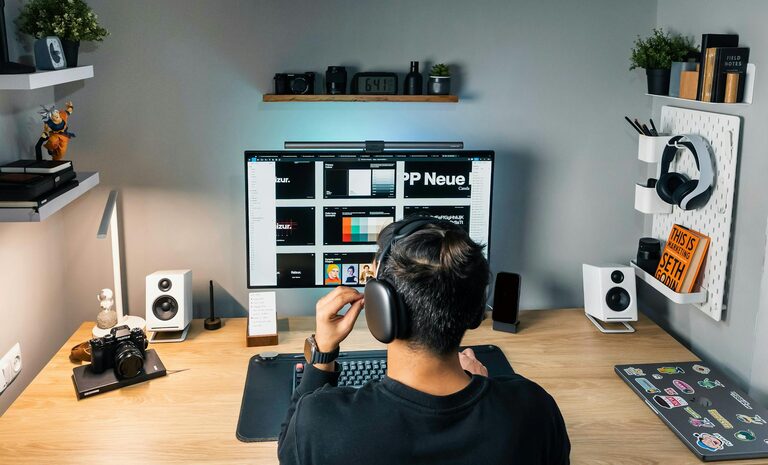
Keep your desk clear of unnecessary items to minimise distractions. Use cable organisers to tidy wires and chargers.
Use Effective Storage Solutions
Shelves, drawers, and desk organisers help keep papers, stationery, and devices in order. Label containers for easy access.
Personalise with Care
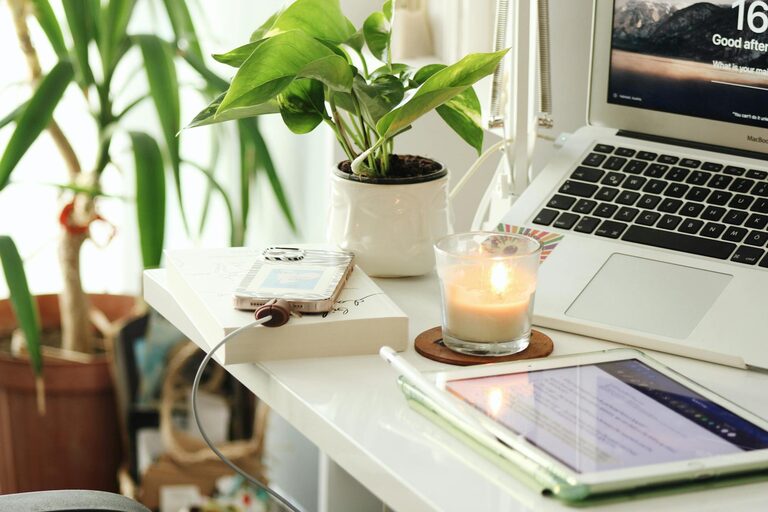
Add a few personal touches like a plant, a photo, or a piece of art to make the space welcoming without overwhelming it.
Optimise Lighting
Balance Natural and Artificial Light
Combine daylight with adjustable desk and overhead lighting. This reduces eye strain and maintains consistent brightness throughout the day.
Use Task Lighting
A desk lamp focused on your work area can provide additional illumination where needed, especially in the evenings.
Minimise Distractions
Set Clear Boundaries
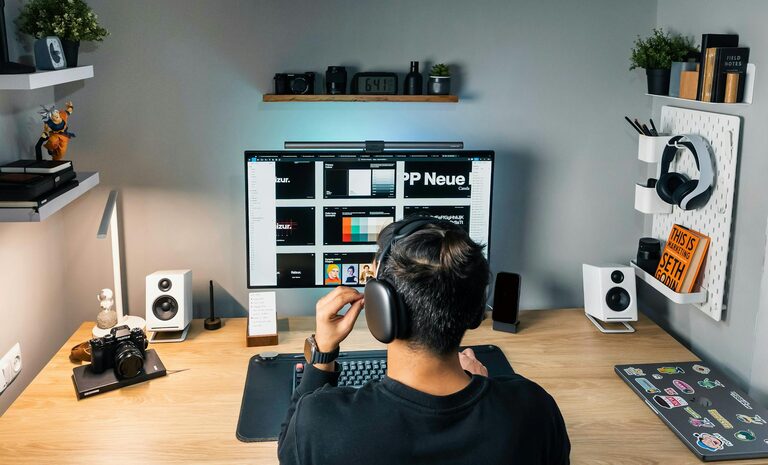
Communicate your work schedule to family or housemates to limit interruptions. Using headphones or noise-cancelling earbuds can also help you concentrate.
Limit Digital Distractions
Turn off notifications on non-work apps and use website blockers if required to maintain focus.
Establish a Routine
Define Your Work Hours
Create start and finish times for your workday to maintain balance with personal life.
Take Regular Breaks
Short breaks can prevent fatigue and improve productivity. Use techniques like the Pomodoro method to structure work and rest periods.
Incorporate Comfort and Wellbeing
Maintain Good Air Quality
Ensure your workspace is well-ventilated. Adding a small plant can improve air quality and add a calming element.
Keep Hydrated and Nourished
Keep a water bottle and healthy snacks within reach to stay energised.
Move Regularly
Incorporate stretches or light exercise breaks to reduce stiffness and promote circulation.
Technology Tips
Invest in Reliable Equipment
A good-quality computer, fast internet connection, and appropriate peripherals (mouse, keyboard, headphones) make work smoother and more comfortable.
Keep Software Updated
Ensure your apps and security software are current to avoid disruptions during work tasks.
—
By implementing these tips, you can create a home workspace that nurtures productivity and comfort. Remember, the best workspace is one that suits your personal preferences and work style. Take small steps and adjust your setup as needed to find the perfect balance for you.